Alina Bulavi
Get in touch
Case study 04 / 04

Clinical feeding product for premature babies

A bottle attachment plays lullabies in the parent’s own voice while the baby feeds. I designed the app that records the voice and tracks how the baby is doing, while the device itself was still being built.

Role
Sole designer, end to end
Client
U.S. startup
Scope
App, flows, onboarding, illustrations
Recognition
2025 award, new baby products
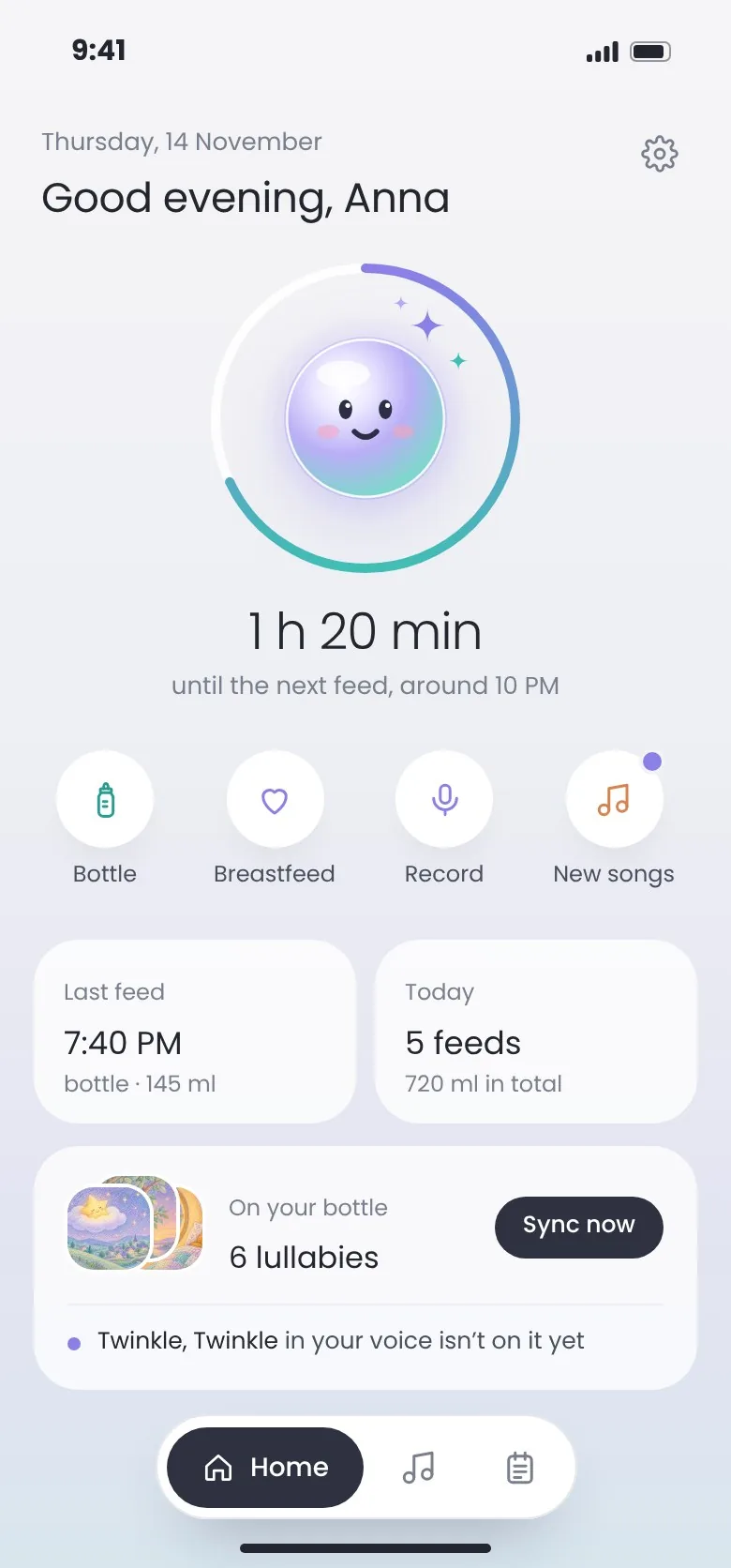
The redesigned home screen in daylight, a happy pearl inside a countdown ring to the next feed
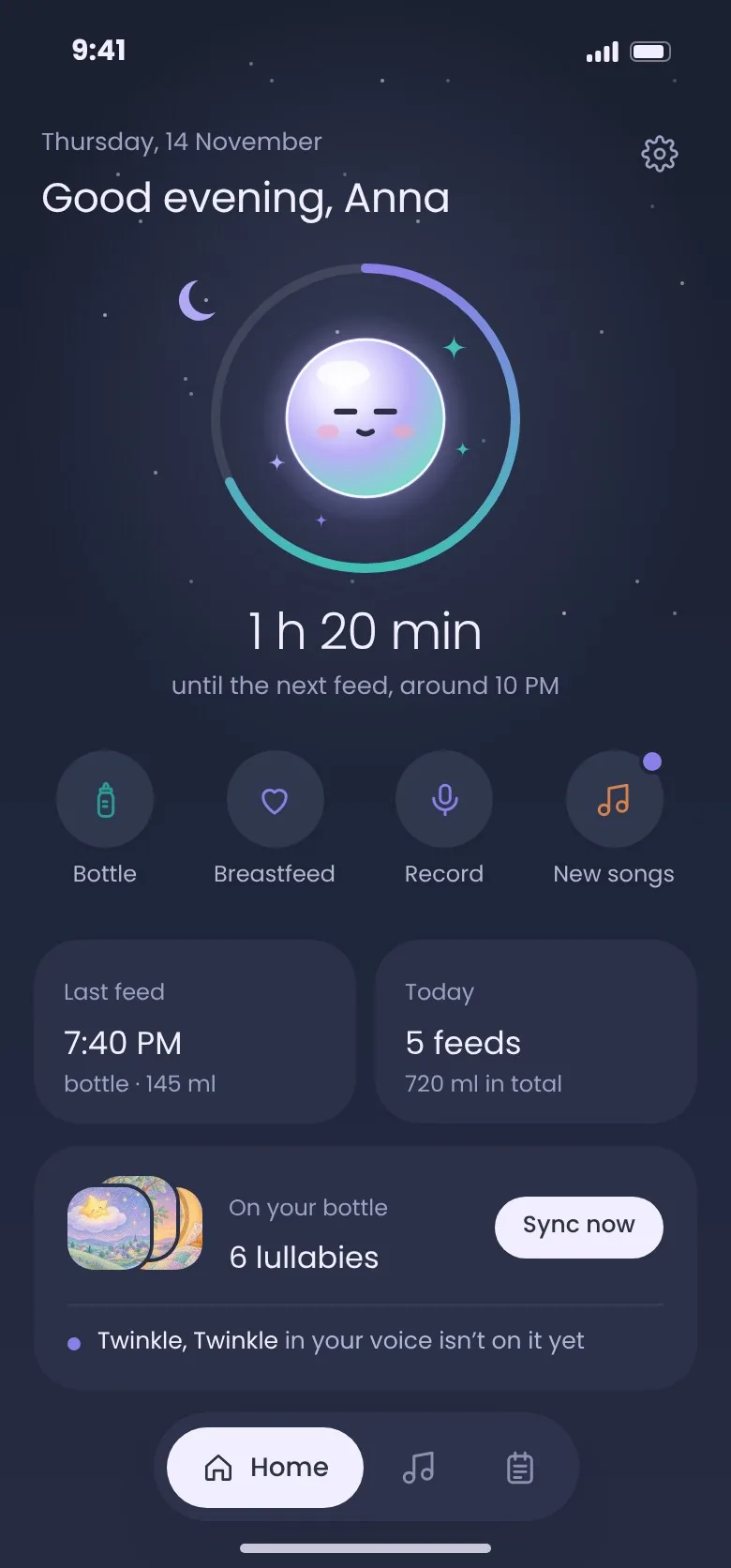
The same home screen in the evening, blue-grey with a sleeping pearl and a moon
At a glance

Premature babies often struggle to feed. A familiar voice can help.

The founders come from hospital care. From their own experience, they saw that babies feed better when they hear a parent’s voice. That’s why they created a unique device that slides onto the bottom of a baby bottle and plays lullabies in that voice. The music plays while the baby feeds and stops when the baby pauses, so the baby learns that feeding keeps the music going.

I designed the app around their idea. Parents use it to record their voice, send the songs to the device and keep a journal of every feed.

Most parents have never recorded themselves singing. So I designed a simple way to do it.

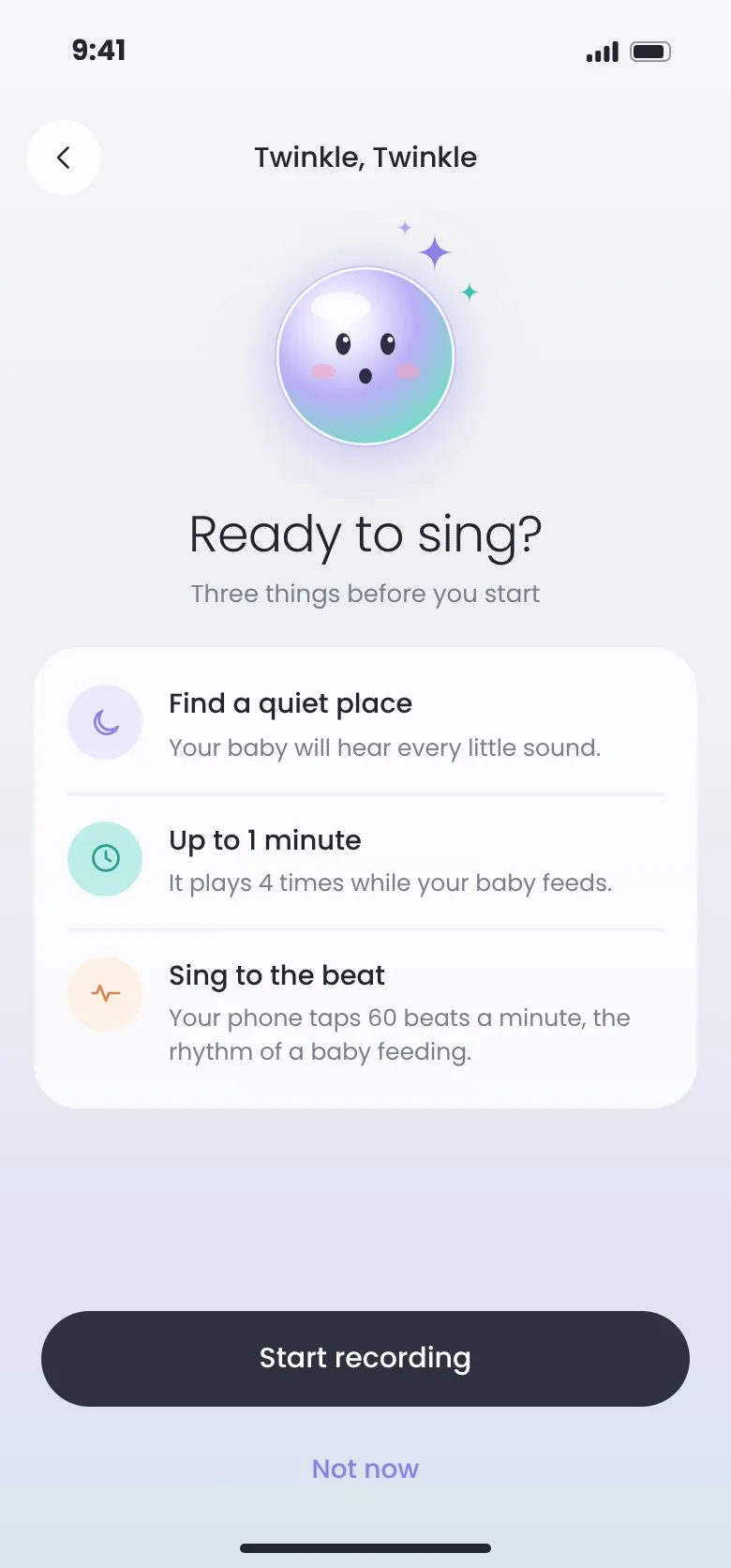
The screen before recording, with the pearl listening and three short tips
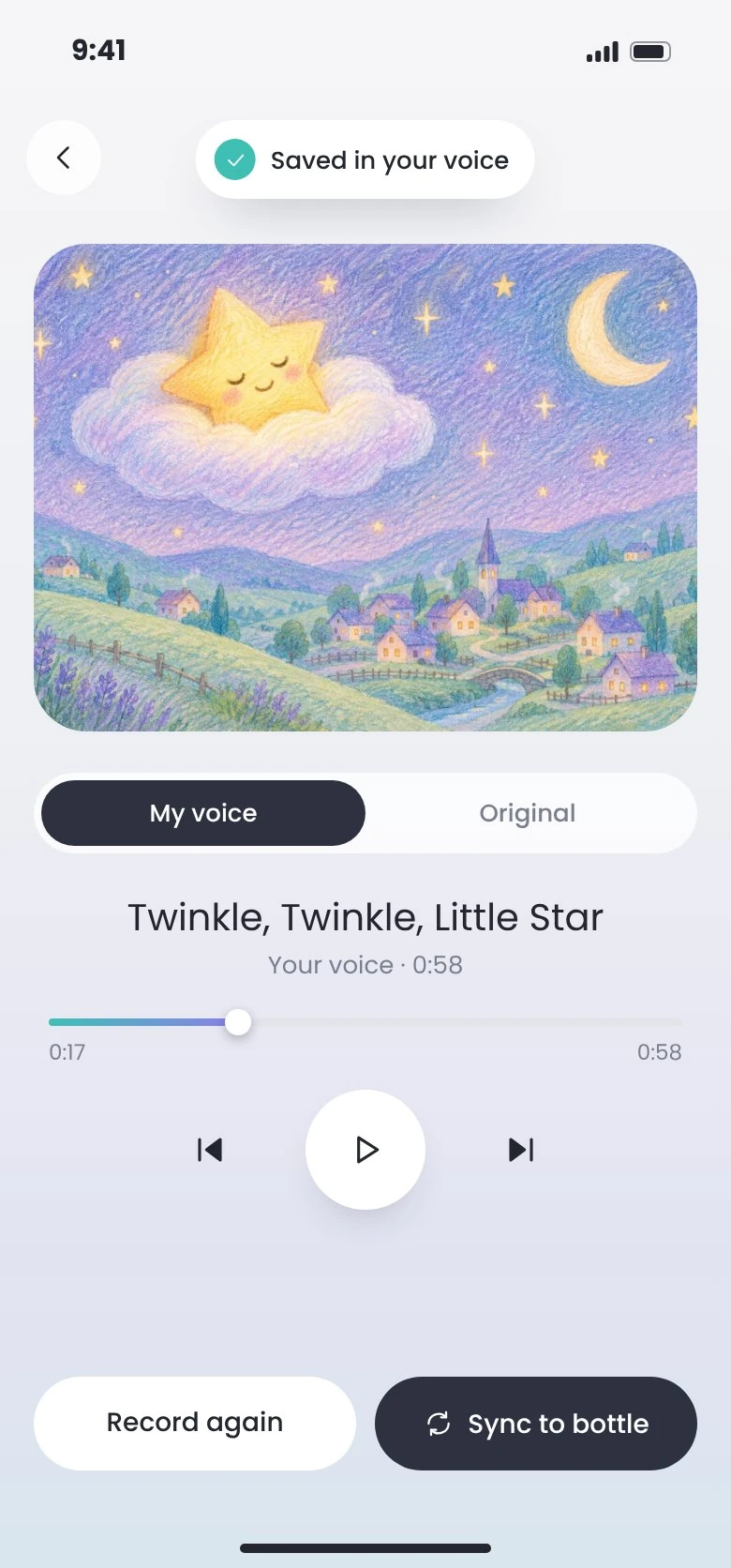
The saved lullaby with a coloured-pencil cover illustration and a switch between your voice and the original
01Before recording

Three short tips first.

02Guided singing

Words light up to a steady beat.

03Saved

Your voice and the original.

A brand-new device, and an easy guide to set it up.

Step 1: Connect

Hold the centre button. A blue light means it’s ready, and green for 3 seconds means it’s paired.

Step 2: Attach

Warm the milk first, then slide the device onto the bottom of the bottle.

Step 3: Learn the buttons

Press the centre to play or pause, tap the sides for volume, hold to skip.

Step 4: Sync

The app sends the parent’s songs to the device, ready for the next feed.

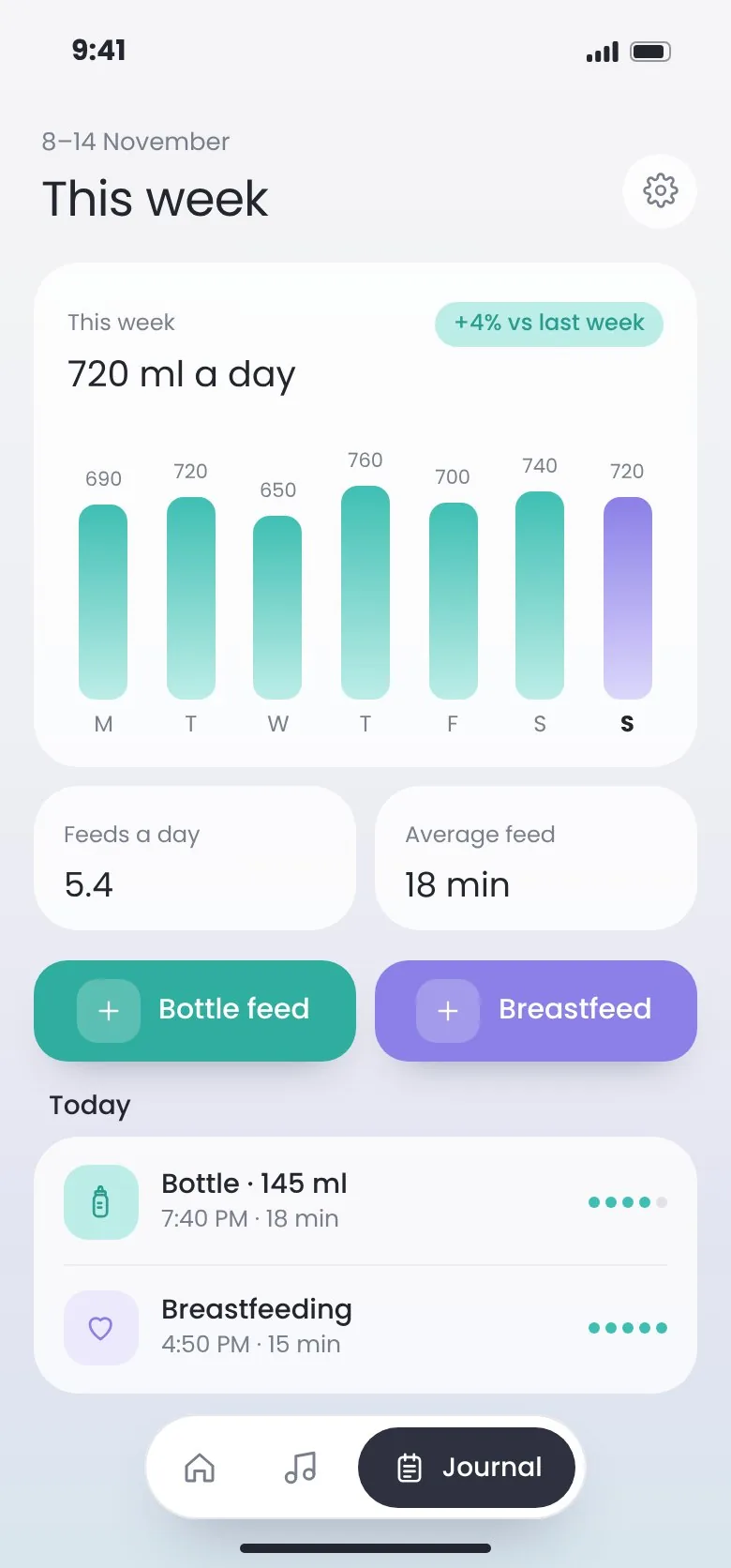
The journal: a chart of how much the baby drank each day this week, buttons to add a bottle feed or a breastfeed, and today's feeds

Every feed in one place, logged in seconds.

Parents log feeds with the baby still in their arms, so the journal asks for very little. There are two entry types, bottle and breastfeeding, with only a few required fields, and bottle details are remembered for the next feed. Over days and weeks, the journal shows how the baby is doing.

Outcome

Won a 2025 industry award for new baby products.

Launched for parents at home first, to be tested with families before it goes to hospitals and infant nurseries.

Next project:Learning platform